Development
5 min read
May 02, 2026
Animations that improve usability and attention
Thoughtful animation helps users understand interfaces, guides attention, and creates memorable experiences without sacrificing clarity or performance.

Animation is one of the most powerful tools in interface design, yet it is often misunderstood. The best digital experiences don't use motion simply because it looks impressive—they use it to make products easier to understand, easier to navigate, and more enjoyable to use.
When movement has intention, interfaces feel alive without becoming distracting. Every transition should help users understand what changed, where they are, and what happens next.
1) Animation creates visual hierarchy
Motion naturally attracts attention before color or typography. Designers can use subtle animations to guide users toward important actions, highlight content, or introduce new information without interrupting the browsing experience.
Simple transitions often communicate relationships between interface elements more effectively than static layouts.
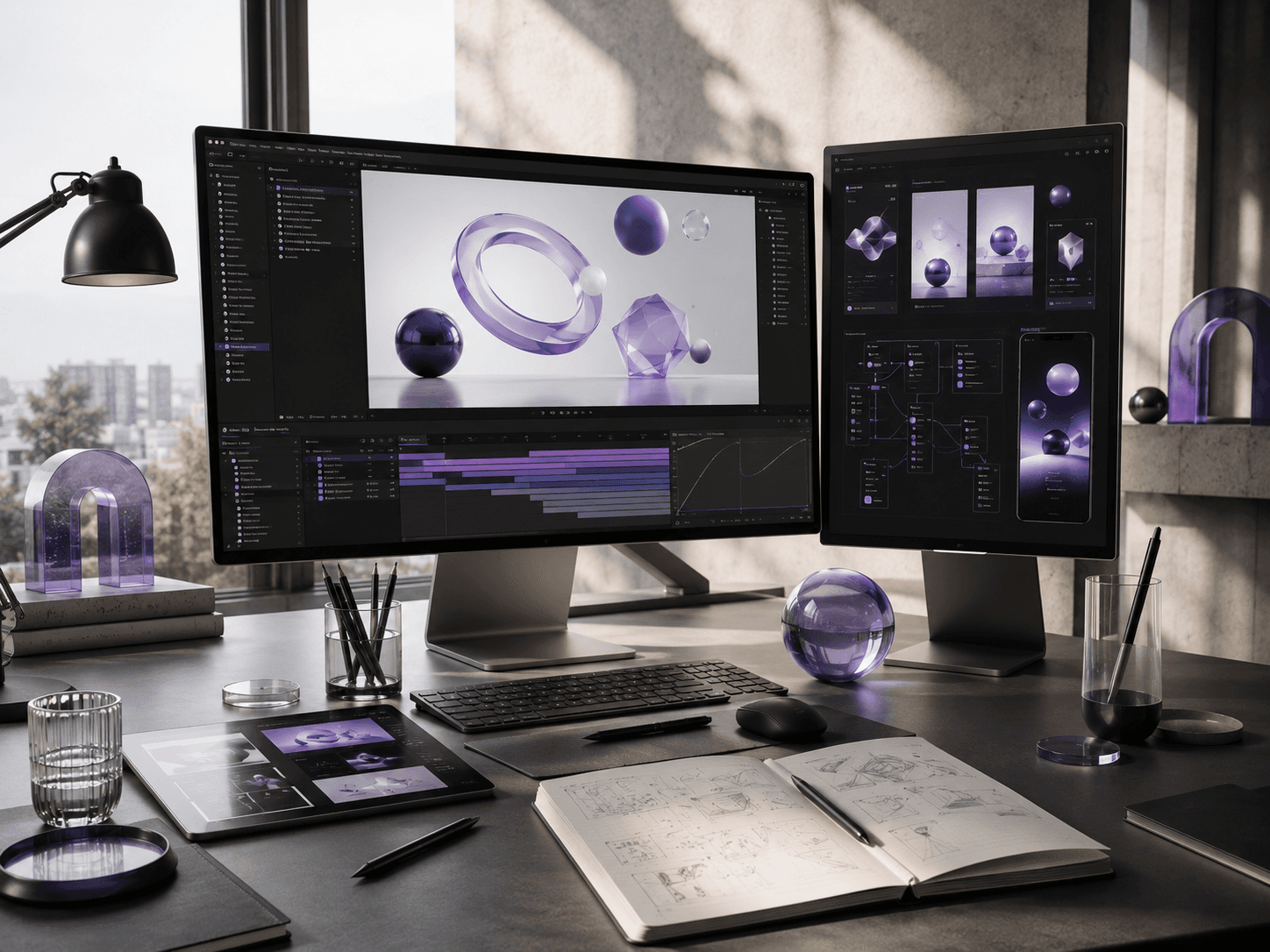
2) Micro-interactions improve usability
Small interactive moments create confidence throughout an interface. Hover effects, button feedback, loading states, and page transitions reassure users that every interaction has been recognized.
Rather than feeling decorative, these animations reduce uncertainty and make products feel responsive and polished.
3) 3D visuals create memorable experiences
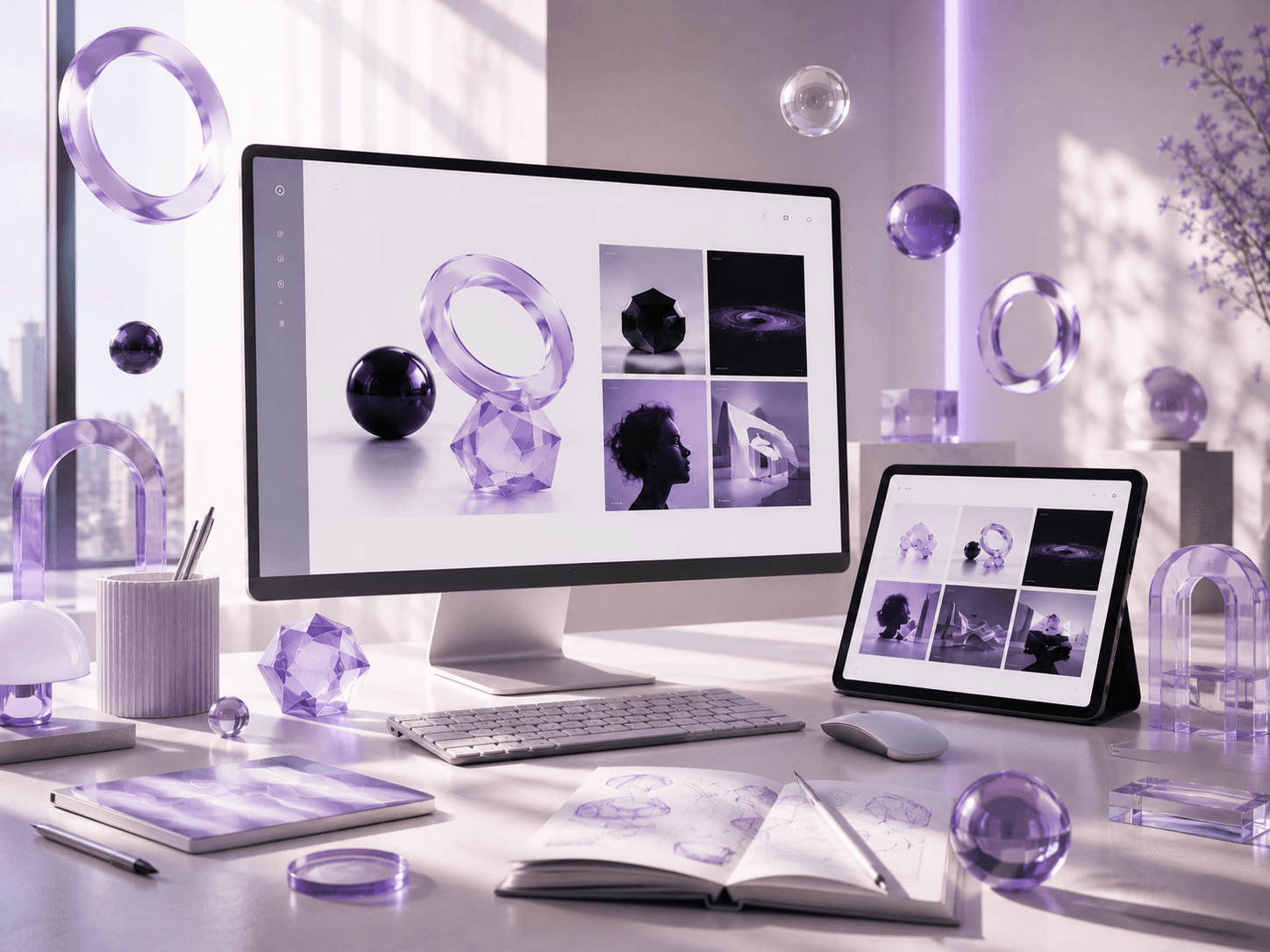
Combining soft 3D illustrations with carefully designed motion introduces personality while maintaining clarity. Interactive objects, floating elements, and subtle depth create visual interest without overwhelming the interface.
The goal isn't complexity. It's creating moments that users remember while keeping navigation simple and intuitive.
4) Performance keeps motion effortless
Beautiful animation only succeeds when it performs smoothly. Fast rendering, optimized assets, lightweight transitions, and efficient implementation ensure every interaction feels natural across devices.
Performance is invisible until it fails. Great motion should never make users wait.
5) Key takeaways
Animate with purpose, not decoration.
Guide attention through subtle movement.
Use micro-interactions to build confidence.
Balance visual delight with usability.
Optimize performance before adding complexity.
6) Conclusion
Great motion design is almost invisible. Instead of competing for attention, it quietly supports navigation, reinforces hierarchy, and creates a more natural experience. When animation serves usability first, digital products become both memorable and effortless to use.

